Introduction
Data is the lifeline of any business. A website without proper backups risks losing customer records, financial data, and valuable content within seconds of a crash or cyberattack. That’s why backup and disaster recovery are among the most important responsibilities of a server administrator.
Backup ensures data copies are always available, while disaster recovery focuses on restoring full operations after a failure. Without these systems, downtime can destroy customer trust and cause massive financial loss.
In this class, we will learn different backup strategies, cloud integration, and how to prepare a disaster recovery plan for real-world emergencies.
Types of Backups
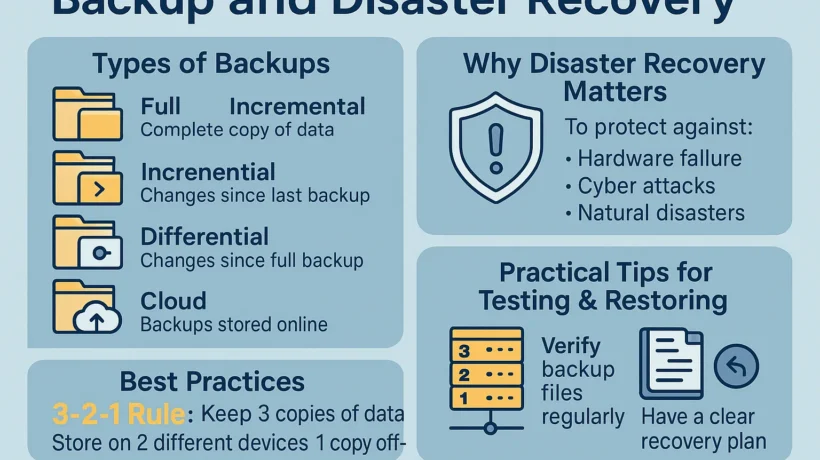
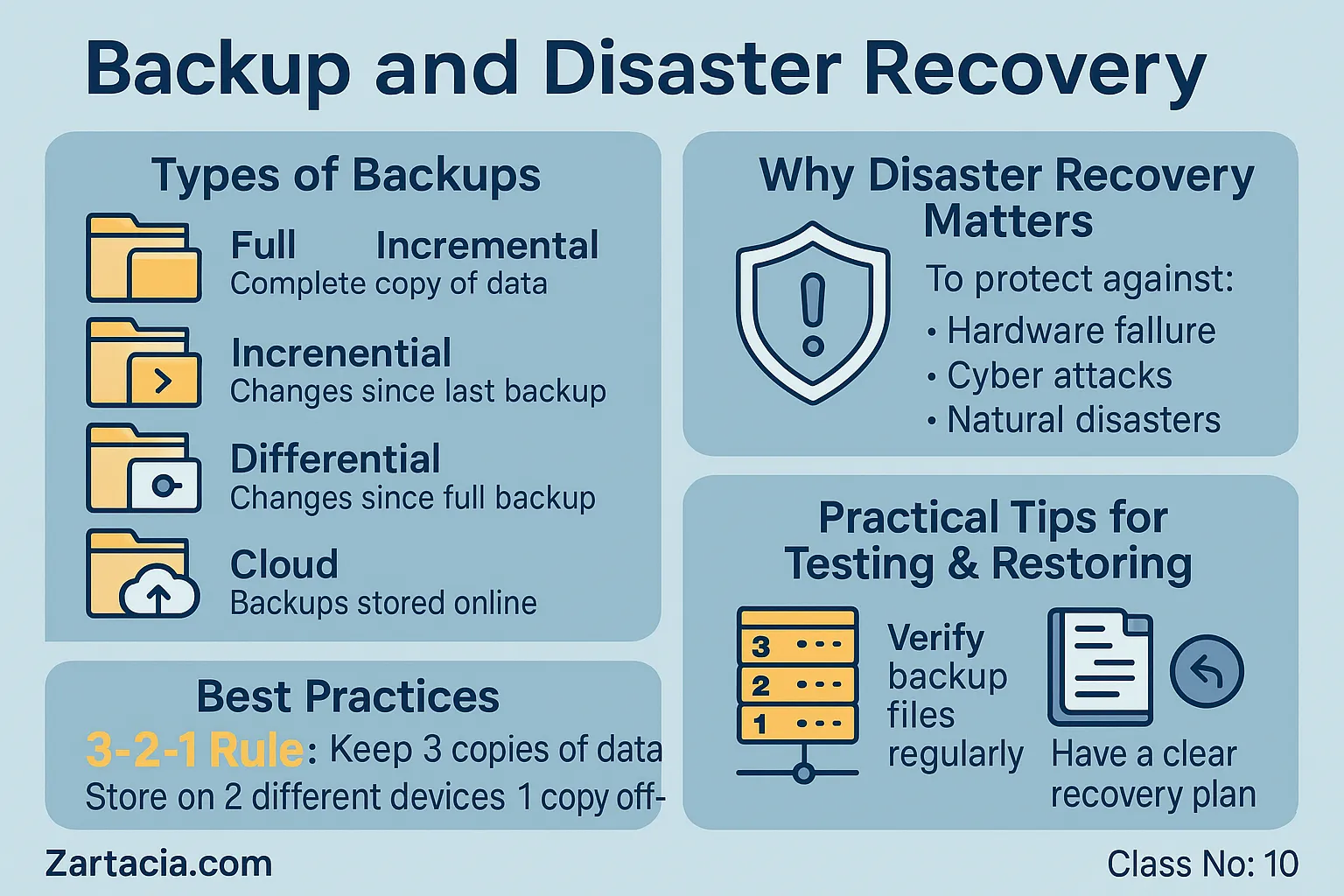
1. Full Backup
Copies all data at once. Reliable but consumes more storage and time.
2. Incremental Backup
Copies only the changes made since the last backup. Faster and saves space but requires all previous backups for full restoration.
3. Differential Backup
Copies changes since the last full backup. Middle ground between full and incremental.
4. Cloud Backup
Stores data on external servers (e.g., Google Drive, AWS S3). Accessible anywhere, highly reliable.
Importance of Disaster Recovery
Disaster recovery (DR) goes beyond backups. It’s a structured plan to restore systems after incidents like:
-
Hardware failure
-
Cyberattacks (ransomware, hacking)
-
Natural disasters (floods, fires)
-
Human error (accidental deletion)
A strong DR plan includes:
-
Regular backups
-
Standby servers
-
Clear recovery steps
-
Testing of restoration process
Example: If a data center goes offline, a DR plan switches traffic to a backup location instantly.
Backup Best Practices
-
Automate backups daily or weekly
-
Store at least one copy off-site (cloud or remote server)
-
Test backup files regularly
-
Encrypt sensitive data
-
Keep backup logs for auditing
Rule of Thumb: The 3-2-1 Backup Rule
-
3 copies of data
-
2 on different storage mediums
-
1 stored off-site
Practical Task
-
Set up a weekly backup using
rsyncor cPanel backup tool. -
Store the backup in a remote location (e.g., Google Drive or AWS S3).
-
Test restoring a small database from the backup file.
Student Section
Summary (150 words):
Backup and disaster recovery are essential for data safety and business continuity. Backups ensure copies of data exist in case of failure, while disaster recovery provides a structured plan to restore full services. Different backup methods include full, incremental, differential, and cloud backups. Best practices include automation, off-site storage, and regular testing. The 3-2-1 backup rule is a standard approach: three copies, two mediums, one off-site. Disaster recovery also requires standby systems and clear restoration steps. Without proper planning, downtime can cause huge losses. For administrators, mastering backup and DR strategies ensures reliability and customer trust.
Quiz:
-
What is the difference between backup and disaster recovery?
-
Which backup type saves only changed data since the last backup?
-
What does the 3-2-1 rule mean?
-
Name one cloud backup service.
-
Why should backups be tested regularly?
Difficult Words Table:
| Word | Meaning in Urdu |
|---|---|
| Incremental | تدریجی / بتدریج بڑھنے والا |
| Differential | فرق پر مبنی |
| Encryption | خفیہ کاری / ڈیٹا محفوظ کرنا |
| Auditing | حساب کتاب / جانچ پڑتال |
| Continuity | تسلسل / جاری رہنے کی حالت |
FAQs
Q1: What is the safest type of backup?
A combination of full and incremental backups stored on-site and off-site.
Q2: How often should I back up my server?
Active sites should be backed up daily; less active ones at least weekly.
Q3: What if my backup also gets corrupted?
That’s why multiple copies across different mediums are essential.
Q4: Are cloud backups secure?
Yes, if encrypted and stored with trusted providers like AWS or Google.
Q5: Can disaster recovery be automated?
Yes, advanced systems automatically failover to backup servers during outages.
Read More (Internal Links in Urdu)
-
یہ بھی پڑھیں: Server Performance Optimization
-
یہ بھی پڑھیں: Server Security and SSL Certificates
-
یہ بھی پڑھیں: Managing Emails and Multiple Domains
