Introduction
Server security is the backbone of reliable hosting. Without strong protection, servers are vulnerable to hacking, data theft, and downtime. For businesses, this means losing customers’ trust and revenue. For professionals, poor security can damage credibility.
One of the simplest and most effective ways to secure a server is through SSL certificates, which encrypt data between the server and client. Along with SSL, tools like firewalls and Fail2Ban prevent unauthorized access and brute-force attacks.
In this class, we will cover server security essentials, SSL types, and how to implement them effectively. By the end, you will know how to secure your server and protect sensitive information.
Importance of Server Security
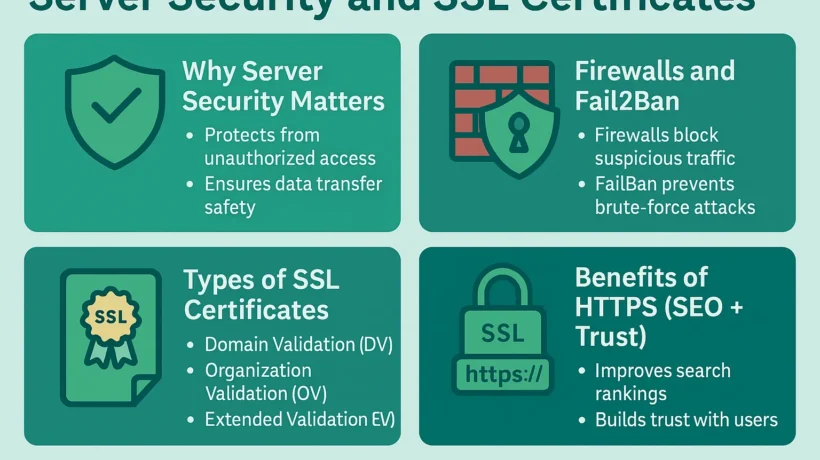
A server hosts sensitive data like customer information, financial details, and private communications. Hackers often target weak servers to steal data, inject malware, or perform DDoS attacks.
Strong security measures ensure:
-
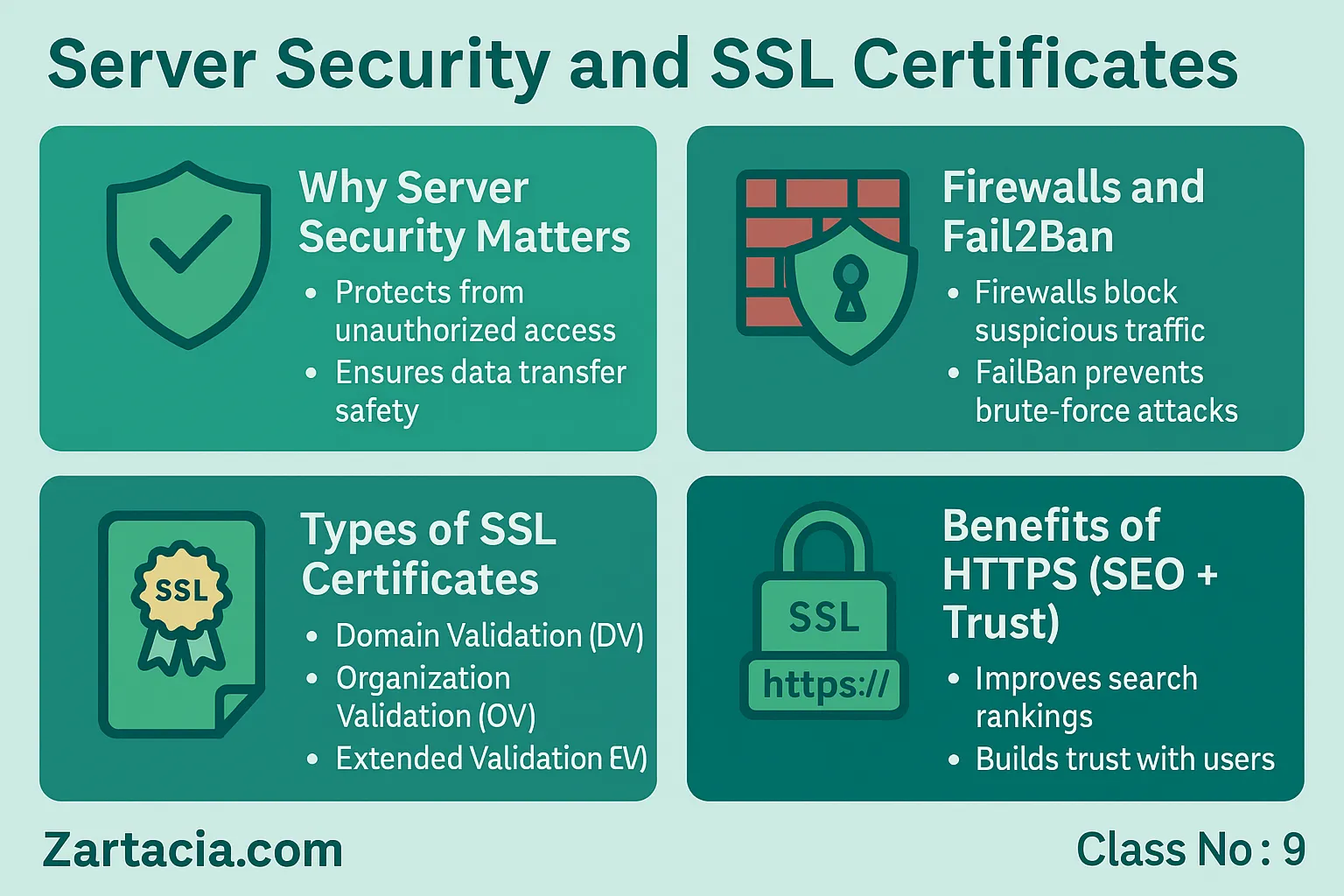
Protection from unauthorized access
-
Safe data transfer
-
Higher uptime and reliability
-
Trust from clients and customers
For example, an unsecured e-commerce site can lose sales if customers see a browser warning about “insecure connections.”
Firewalls and Intrusion Prevention
A firewall acts as the first line of defense. It filters traffic and blocks suspicious activity. In Linux servers, common firewall tools include UFW (Uncomplicated Firewall) and iptables.
Another important tool is Fail2Ban, which monitors login attempts and bans IPs showing brute-force behavior. This prevents hackers from guessing passwords through repeated attempts.
Together, firewalls and intrusion prevention systems reduce the risk of attacks significantly.
SSL Certificates and HTTPS
SSL (Secure Sockets Layer) certificates encrypt communication between users and servers. Modern browsers label sites without SSL as “Not Secure,” which can harm credibility.
Types of SSL Certificates:
-
Domain Validation (DV): Basic, quick to issue.
-
Organization Validation (OV): Verifies business identity.
-
Extended Validation (EV): Provides highest trust with green address bar.
Free SSL: Let’s Encrypt offers free SSL certificates, widely used by small websites.
Paid SSL: Offers extended warranties, business validation, and better support.
Example: A bank will use EV SSL, while a personal blog can use Let’s Encrypt.
Why SSL Matters for SEO and Trust
Google ranks HTTPS-enabled sites higher in search results. Moreover, visitors trust secure sites more and are more likely to make purchases.
Without SSL, data like passwords and credit card details can be intercepted, leading to serious consequences.
Practical Task
-
Install UFW on your Linux server and allow only essential ports (22, 80, 443).
-
Install Let’s Encrypt SSL using Certbot.
-
Redirect all HTTP traffic to HTTPS.
Student Section
Summary (150 words):
Server security ensures data protection, customer trust, and business continuity. Firewalls and Fail2Ban act as shields against unauthorized access and brute-force attacks. SSL certificates encrypt communication, making websites secure and trustworthy. Free SSL (Let’s Encrypt) is suitable for small sites, while businesses often use paid SSL for additional validation. Enabling HTTPS is now mandatory for SEO and user trust. Without strong security, websites risk downtime, hacking, and loss of reputation. Every server administrator must master firewalls, intrusion prevention, and SSL certificates to provide safe and reliable hosting services.
Quiz:
-
What does a firewall do?
-
Name one tool that prevents brute-force attacks.
-
What is the purpose of SSL?
-
Which SSL type provides the highest trust level?
-
How does HTTPS improve SEO?
Difficult Words Table:
| Word | Meaning in Urdu |
|---|---|
| Intrusion | غیر مجاز داخلہ |
| Brute-force | بار بار اندازہ لگا کر حملہ |
| Encryption | خفیہ کاری / کوڈ کرنا |
| Validation | تصدیق / جانچ پڑتال |
| Reliability | بھروسہ مندی / اعتبار |
FAQs
Q1: Do I really need SSL for my website?
Yes, SSL is mandatory for security, SEO, and customer trust.
Q2: Is free SSL safe?
Yes, Let’s Encrypt is secure, but paid SSL adds more features and warranties.
Q3: Can firewalls stop all attacks?
No, but they significantly reduce risk when combined with other measures.
Q4: How often should SSL certificates be renewed?
Free SSL is renewed every 90 days, paid SSL varies (1–2 years).
Q5: Does SSL slow down websites?
No, modern SSL encryption is optimized and has negligible performance impact.
Read More (Internal Links in Urdu)
-
یہ بھی پڑھیں: Backup and Disaster Recovery
-
یہ بھی پڑھیں: Server Performance Optimization
-
یہ بھی پڑھیں: Managing Emails and Multiple Domains
