Email Server Management – Complete Guide
Focus Keyphrase: Email Server Management
Meta Title: Email Server Management – Complete Guide
Meta Description: Learn how to set up, configure, and secure email servers using Postfix, Exim, and Dovecot with SPF, DKIM, and DMARC.
Slug: email-server-management
Category: Courses → Web Hosting & Server Management
Tags: Email Server, Postfix, Exim, Dovecot, SPF, DKIM, DMARC, Webmail
Introduction
Email is the backbone of professional communication. From businesses to schools, reliable email systems ensure smooth day-to-day operations. For server administrators, managing an email server is an essential skill. Unlike free services like Gmail, businesses often require custom email solutions linked with their domain names (e.g., info@zartacia.com).
In this class, we will explore how email servers work, the software used to run them, and the security protocols that protect against spam and phishing. By the end, you will know how to configure and manage a fully functional email server.
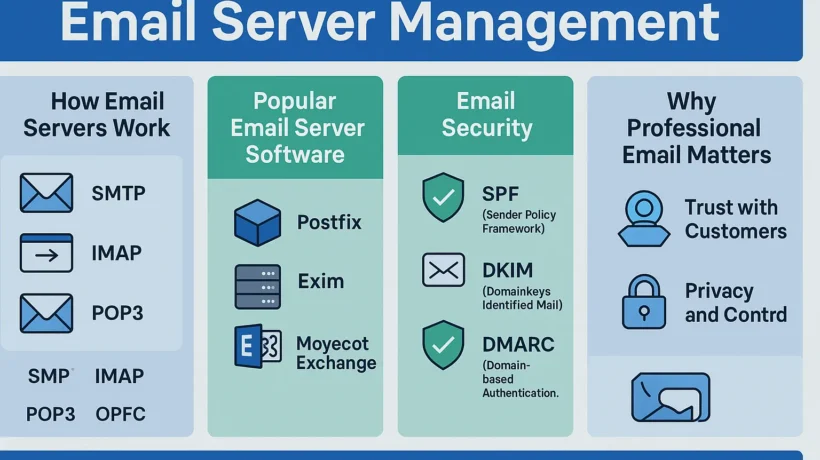
How Email Servers Work
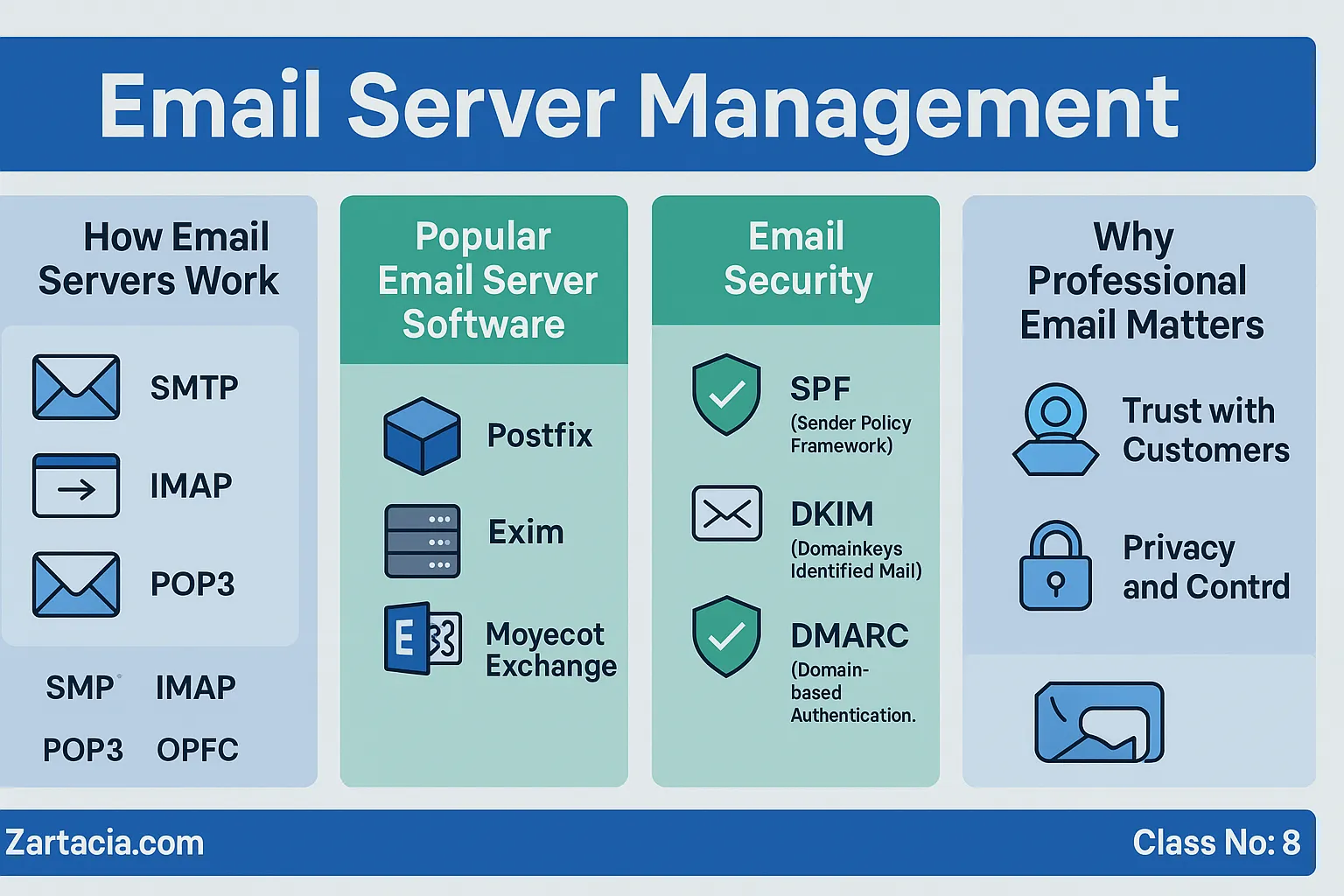
An email server is a system that sends, receives, and stores email messages. It relies on specific protocols:
-
SMTP (Simple Mail Transfer Protocol): Sends outgoing emails.
-
IMAP (Internet Message Access Protocol): Allows multiple devices to access emails.
-
POP3 (Post Office Protocol): Downloads emails to a single device.
When someone sends an email, the SMTP server delivers it to the recipient’s mail server. IMAP or POP3 is then used to retrieve it.
Popular Email Server Software
-
Postfix – A secure and widely used mail transfer agent (MTA).
-
Exim – Default mail server in many Linux distributions.
-
Dovecot – Commonly used for IMAP and POP3 services.
-
Microsoft Exchange Server – Enterprise-level solution for businesses using Windows Server.
These tools work together to ensure smooth sending, receiving, and storage of emails.
Webmail Clients
Many hosting providers integrate webmail applications such as Roundcube and Horde. These provide a browser-based interface to send and receive emails without needing external software.
For businesses, webmail clients make email management simple and accessible from anywhere.
Email Security – SPF, DKIM, and DMARC
Email servers are frequent targets of spam and phishing attacks. To ensure authenticity, administrators use three important records:
-
SPF (Sender Policy Framework): Confirms that the sender’s IP is authorized.
-
DKIM (DomainKeys Identified Mail): Adds a digital signature to verify content integrity.
-
DMARC (Domain-based Message Authentication): Combines SPF and DKIM to prevent spoofing.
Without these, emails may end up in spam folders or be blocked entirely.
Why Email Server Management Matters
Professional email servers build trust with clients. A company using support@domain.com looks more credible than using a free Gmail address. Moreover, managing your own server means complete control over privacy and security.
For administrators, email server skills increase career opportunities in IT support, web hosting, and enterprise networks.
Practical Task
-
Configure an email account using cPanel or DirectAdmin.
-
Send a test email and check headers for SPF/DKIM verification.
-
Explore Roundcube or Horde for webmail access.
Student Section
Summary (150 words):
Email servers are essential for professional communication. They rely on protocols like SMTP, IMAP, and POP3 to send and receive messages. Popular tools such as Postfix, Exim, and Dovecot are widely used for Linux servers, while Microsoft Exchange is common in enterprises. Webmail clients like Roundcube provide easy browser access. To secure emails, administrators implement SPF, DKIM, and DMARC records, which verify authenticity and prevent spam. Managing email servers ensures privacy, professionalism, and control. It is a critical skill for businesses, IT professionals, and hosting providers.
Quiz:
-
What does SMTP do?
-
Name two popular webmail clients.
-
What is the function of DKIM?
-
Which mail server is commonly used in enterprises?
-
Why are SPF records important?
Difficult Words Table:
| Word | Meaning in Urdu |
|---|---|
| Protocol | ضابطہ / اصول برائے مواصلات |
| Integrity | سالمیت، درستگی |
| Phishing | فریب کاری سے معلومات چرانا |
| Spoofing | جعلی میل بنا کر بھیجنا |
| Authentication | تصدیقِ شناخت |
FAQs
Q1: Can I run an email server without a domain?
Technically yes, but professional email requires a domain name for credibility.
Q2: Why do emails often go to spam?
Because SPF, DKIM, and DMARC records are not properly configured.
Q3: Which is better: Postfix or Exim?
Both are reliable, but Postfix is considered more secure and widely supported.
Q4: Can I use Gmail with my own domain?
Yes, by setting up Google Workspace, but it is a paid service.
Q5: Do I need SSL for email servers?
Yes, SSL ensures encrypted communication between mail clients and servers.
Read More (Internal Links in Urdu)
-
یہ بھی پڑھیں: Server Security and SSL Certificates
-
یہ بھی پڑھیں: Backup and Disaster Recovery
-
یہ بھی پڑھیں: Managing Emails and Multiple Domains