

Introduction
Managing servers manually can be time-consuming and error-prone. Imagine updating hundreds of servers one by one – it would take hours! That’s why administrators use automation to save time, reduce mistakes, and improve consistency.
Server automation uses scripts and specialized tools to handle repetitive tasks like updates, backups, monitoring, and deployments. With automation, servers become easier to scale and manage.
In this class, we will explore scripting basics, task scheduling, and advanced tools that make server automation possible.
Bash Scripting Basics
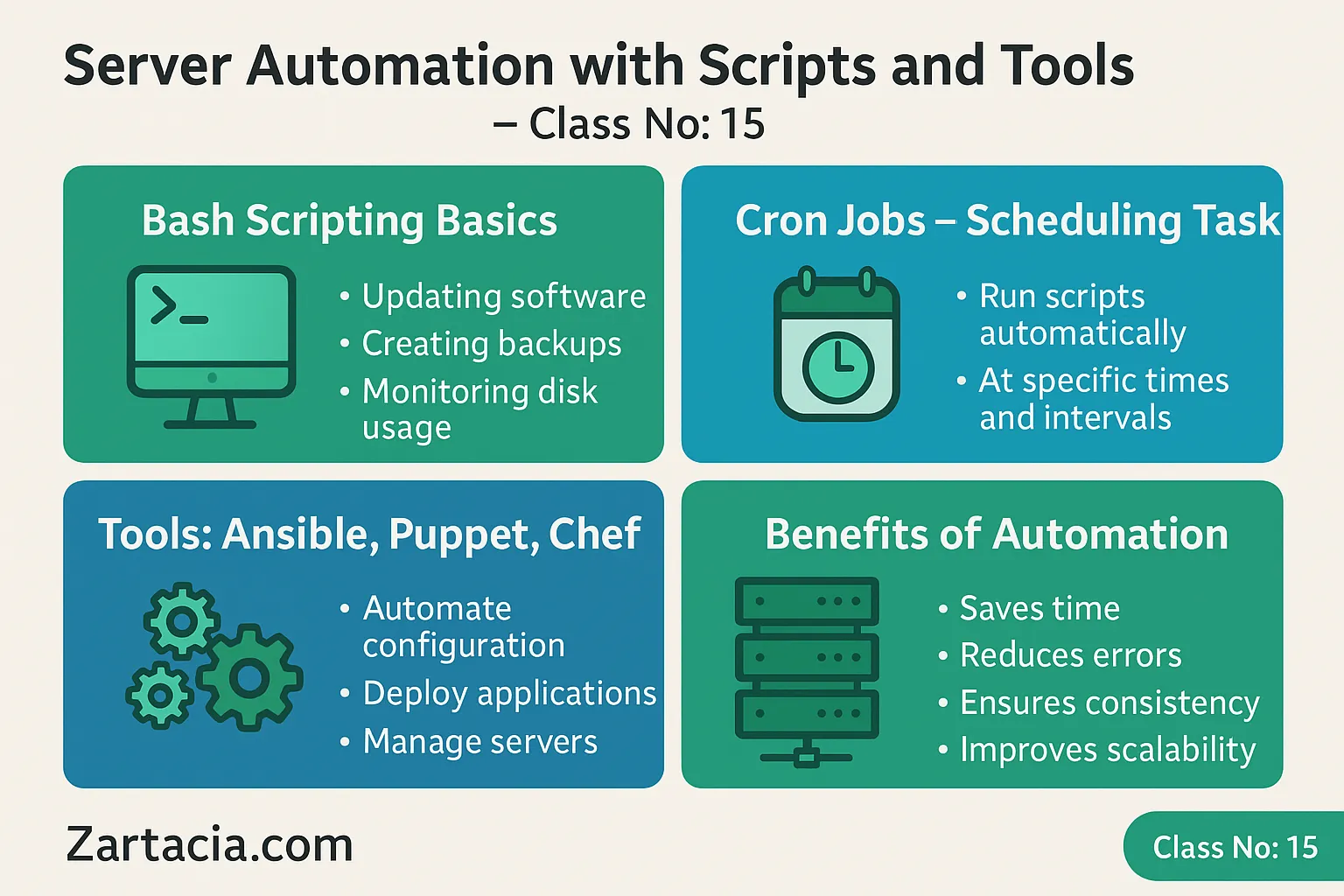
Bash is the default shell in Linux servers. With Bash scripts, administrators can automate common tasks such as:
-
Updating software (
apt update && apt upgrade) -
Creating backups (
tar -czf backup.tar.gz /var/www) -
Monitoring disk usage (
df -h)
Scripts are simply text files with commands, executed automatically when needed.
Example:
Cron Jobs – Task Scheduling
Cron is a built-in Linux utility for scheduling scripts to run automatically at specific times.
Examples:
-
Run a backup daily at midnight:
0 0 * * * /backup/backup.sh -
Clear temporary files every week:
0 3 * * 0 rm -rf /tmp/*
Cron jobs are essential for automating repetitive tasks without human intervention.
Automation Tools – Ansible, Puppet, Chef
For large-scale environments, advanced tools automate server configuration across multiple machines.
-
Ansible: Agentless tool using SSH, simple YAML configuration.
-
Puppet: Uses agents, ideal for complex infrastructures.
-
Chef: Focuses on infrastructure as code, uses Ruby DSL.
These tools allow administrators to configure, deploy, and manage servers at scale.
Benefits of Server Automation
-
Saves time by eliminating manual repetition
-
Reduces human errors
-
Ensures consistency across servers
-
Enables faster deployments
-
Improves scalability for large environments
Example: A company with 200 servers can update all systems at once using Ansible, instead of logging into each server manually.
Practical Task
-
Write a Bash script to back up your web directory.
-
Schedule the script with Cron to run daily.
-
Explore Ansible by creating a simple playbook to install Apache.
Student Section
Summary :
Server automation makes administration faster, safer, and more reliable. Bash scripting automates small tasks like updates and backups, while Cron jobs schedule them at regular intervals. For larger infrastructures, tools like Ansible, Puppet, and Chef provide enterprise-grade automation, ensuring consistency and scalability. These tools allow multiple servers to be managed simultaneously, reducing errors and saving time. Without automation, administrators risk delays, misconfigurations, and inefficiency. Mastering automation is a must for modern server management and DevOps roles.
Quiz:
-
What is the purpose of Bash scripting?
-
Which Linux utility is used for scheduling tasks?
-
Name two server automation tools.
-
Why is automation important for large infrastructures?
-
What does “infrastructure as code” mean?
Difficult Words Table:
| Word | Meaning in Urdu |
|---|---|
| Automation | خودکار عمل |
| Infrastructure | بنیادی ڈھانچہ / انفراسٹرکچر |
| Consistency | یکسانیت / مستقل مزاجی |
| Deployment | اطلاق / نظام چلانا |
| Scalability | وسعت پذیری / بڑھنے کی صلاحیت |
FAQs
Q1: Can beginners start with Ansible?
Yes, Ansible is the easiest automation tool for beginners.
Q2: Do Cron jobs run if the server is off?
No, the server must be running for Cron to execute tasks.
Q3: Which tool is best for cloud automation?
Ansible and Terraform are widely used for cloud deployments.
Q4: Is Bash scripting still important in 2025?
Yes, Bash remains essential for Linux server management.
Q5: Can automation replace administrators?
No, it reduces workload but admins are still needed for planning and oversight.
Read More (Internal Links in Urdu)
-
یہ بھی پڑھیں: Server Performance Optimization
-
یہ بھی پڑھیں: Monitoring and Logging
-
یہ بھی پڑھیں: Backup and Disaster Recovery
